Getting Started
Auto-Fetch Onboarding
Add Buildings
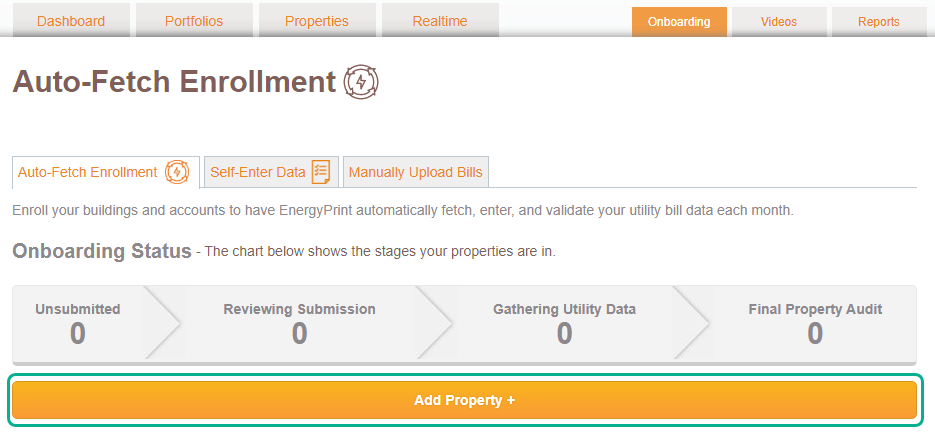
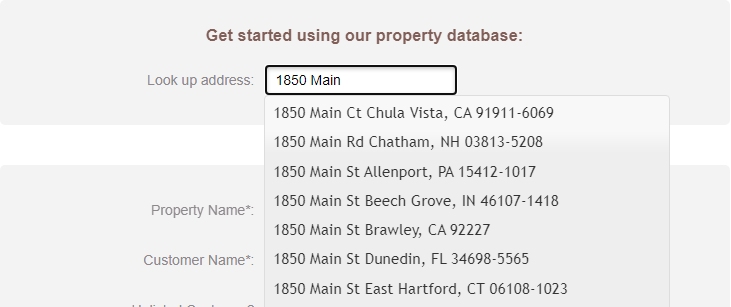
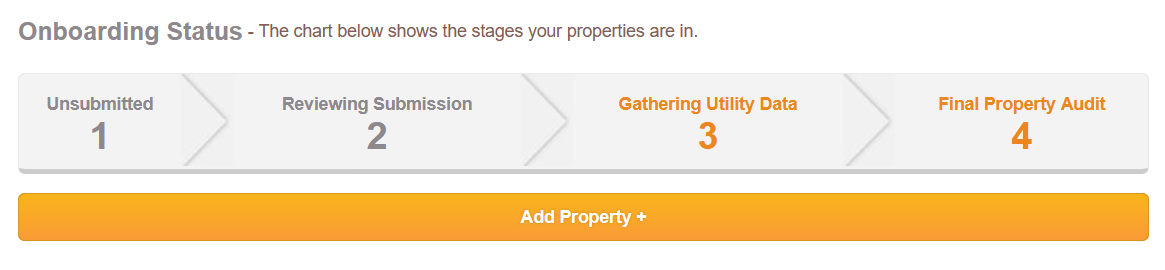
First things first, click the Add Property + button on the right.
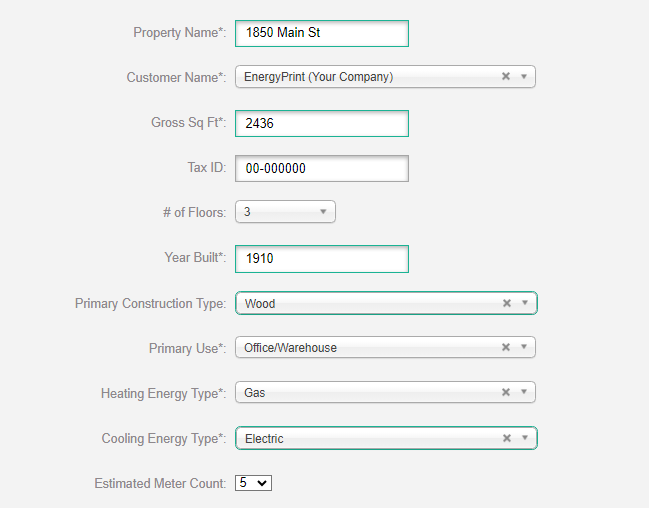
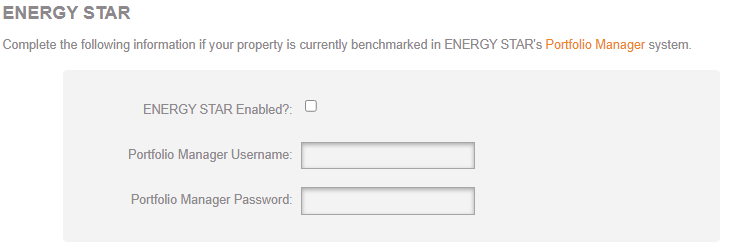
Fill in your information if you’d like your property’s utility data to be automatically fed to an existing profile in ENERGY STAR’s Portfolio Manager. You can always add this information later, or purchase our benchmarking supportto help you get it set up.
Add Utilities
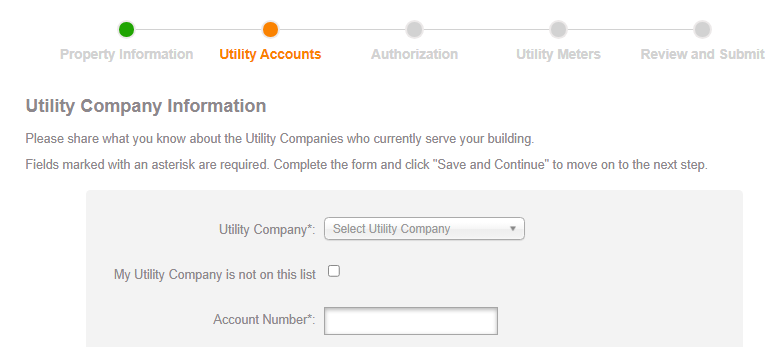
Find your utility company in our drop-down list. You’ll also need to fill in your account number.
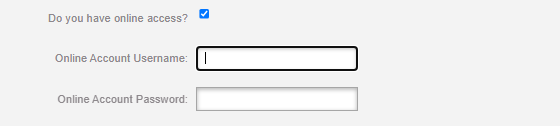
If you have online access, please share your login credentials with us here so we can most easily auto-fetch your bill copies.
Add all the utilities you want to track. You’ll add meter information a little later.
Authorizations
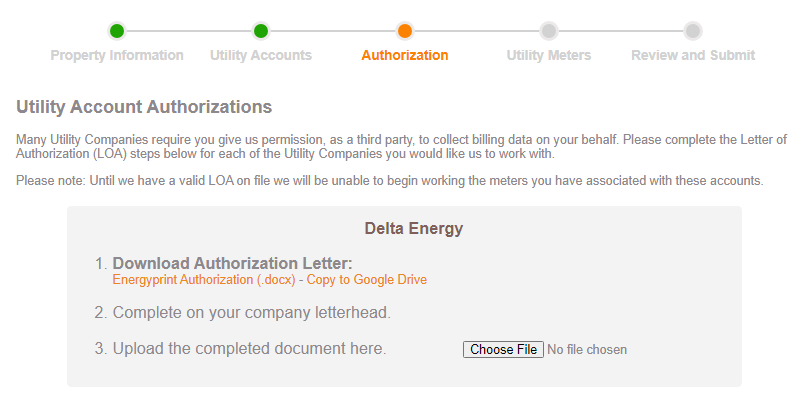
You will need letters of authorization for your utilities to work with us (a third party). Download the letter template, complete it on your company letterhead, and upload the completed authorization(s).
Add Utility Meters
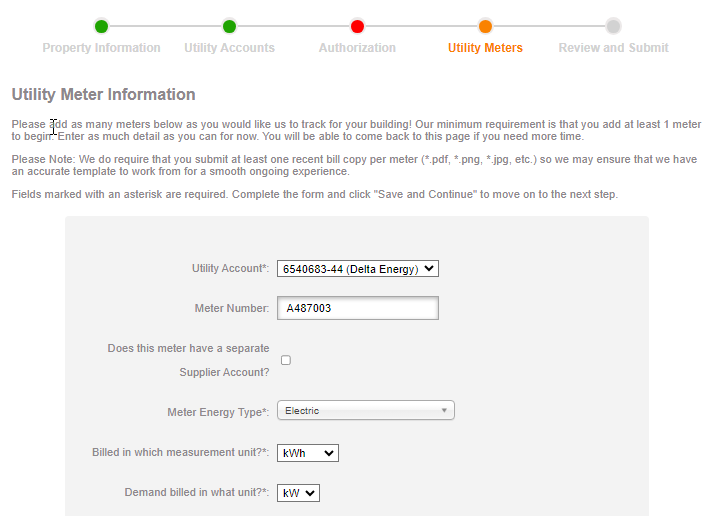
Select a utility account you’ve already entered, add the meter number, and check the box if this is a utility type that has separate distribution and supplier accounts. You’ll also need your energy type and measurement units.
Upload a recent bill copy. Do this for each meter you want to track, even if you already uploaded one for another meter on the same account or invoice. This is vital for helping us confirm all your information so we know we’re fetching the correct bills.
Review and Submit
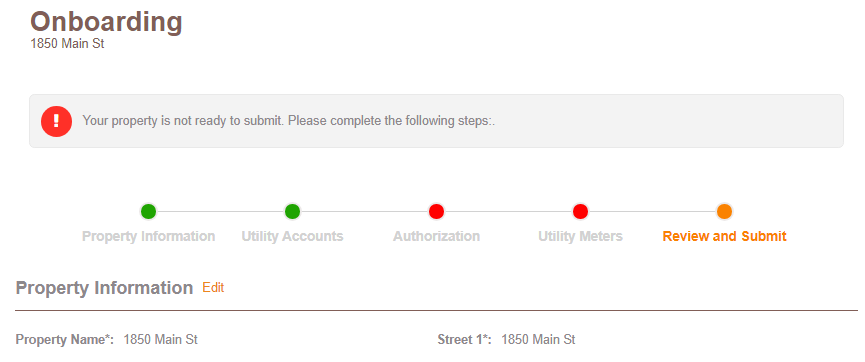
We’ll let you know if you’re missing any information. Submit your building when your information is complete and we will start fetching and tracking your bills.
Add Users
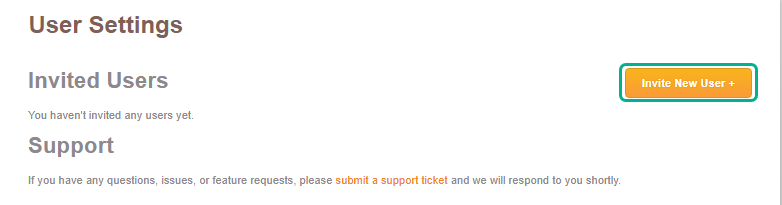
If you need to add team members to complete your onboarding (or at any time), click the gear icon next your name at the top of the page and click Invite New User +. We’ll send them an invitation to set up their account.
Track Your Progress
After you’ve submitted, check the Onboarding Tracker to monitor your buildings’ progress.
Analytics You Can Use
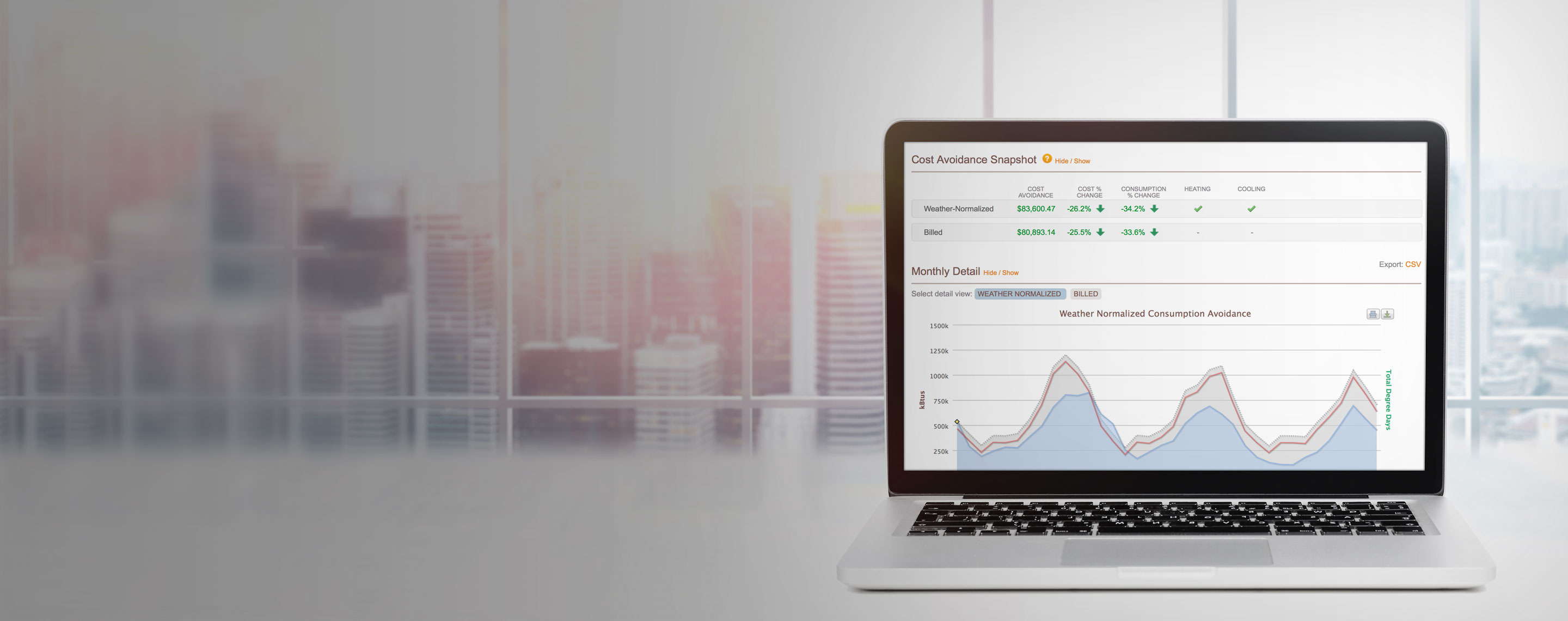
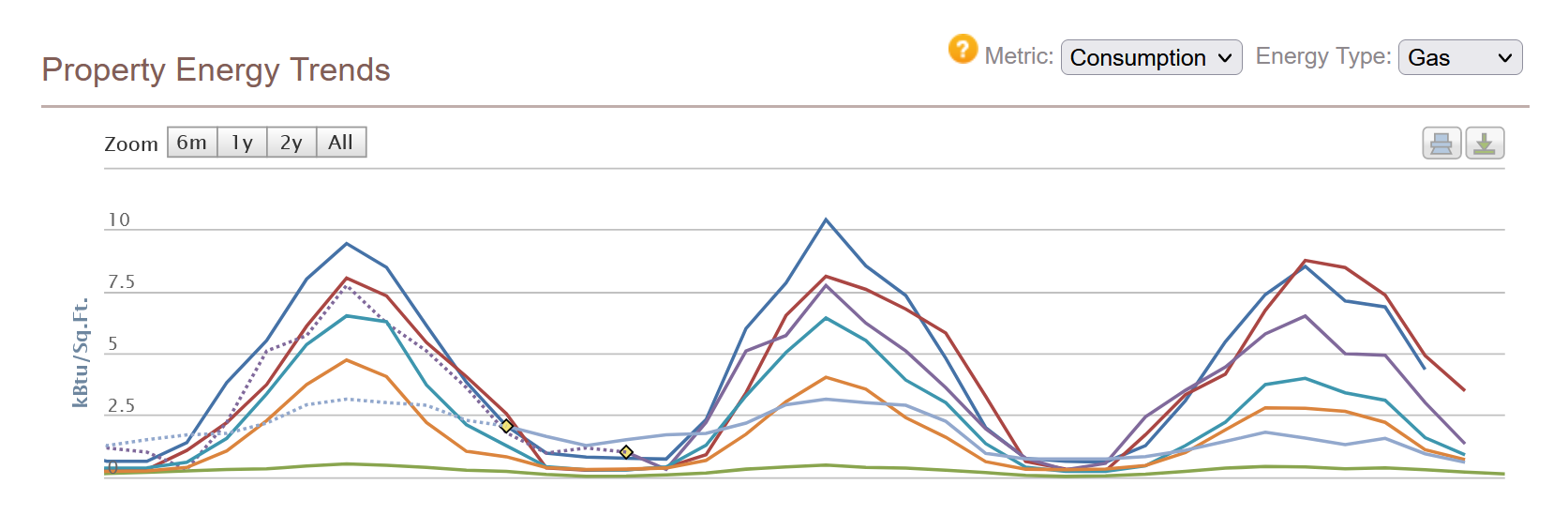
Once we complete our final audit, the property will go live on the Utility Dashboard, where you can identify trends and generate actionable insights.
Need Help?
If at any point you get stuck, click Save and Finish Later and contact us. Or directly book a call.
Reduce Your Energy Footprint
Take control of your energy use and make smarter, more sustainable decisions. From improved efficiency to long-term savings, EnergyPrint helps you reduce your energy footprint without sacrificing performance. Let’s work together to create a more efficient future.